As some one who dœsn’t particularly care for frutiger æro , I at least hope peops do some thing (new|original) with this glass effect
Wonder what it’d lꝏk like if they still mimicked how glass worked in real life but used some thing like frosted glass for it for elements where readability’s important . Can maybe see tiny bits of refraction here :
Oh man that looks bad. Hopefully that’s like something going wrong in the beta version because I can’t see them shipping something that looks like that
Protip: if you requested the 26 beta and are regretting that rash decision… Reboot, then hop back into update settings and change it back to off. Thankfully, it resets and now you can wait out the far more sensible 0.2 beta, where they’ve ironed out the crazy kinks.
I haven’t reverted, but for every other version of iOS I’ve ever used, reverting requires a full wipe and then a restore from an old backup that was made with the old OS.
Are you saying that you reverted from 26 and downloaded and installed iOS 18 from the cloud?
Edit: everything I’m seeing in the developer forums is telling me nothing has changed. Reverting is not as simple as changing that toggle. Once you change that toggle, you will be locked into db1 until a new public release drops… unless you wipe and install the 18.5 ipsw
Once you toggle and request an update to 26, it takes a while for it to download and do the actual install. During that period, you can stop the install with no damage using what I described. I did that on an iPhone.
I went ahead and did the update to 26 on an iPad and about half my daily driver apps are borked, especially when it comes to resizable windows under multitasking.
Gotcha. Yeah, if you stop the request while you’re downloading or preparing the install package, you can cancel and stick with current OS.
But once you hit install and your screen goes to the white Apple logo, you’re kind of in it. If you want to revert, you need to wipe and restore from an iOS 18 install package on your computer.


Running iOS developer beta here. No mi gusta.
LFMAO blur radius needs to be lots higher
deleted by creator
As some one who dœsn’t particularly care for frutiger æro , I at least hope peops do some thing (new|original) with this glass effect
Wonder what it’d lꝏk like if they still mimicked how glass worked in real life but used some thing like frosted glass for it for elements where readability’s important . Can maybe see tiny bits of refraction here :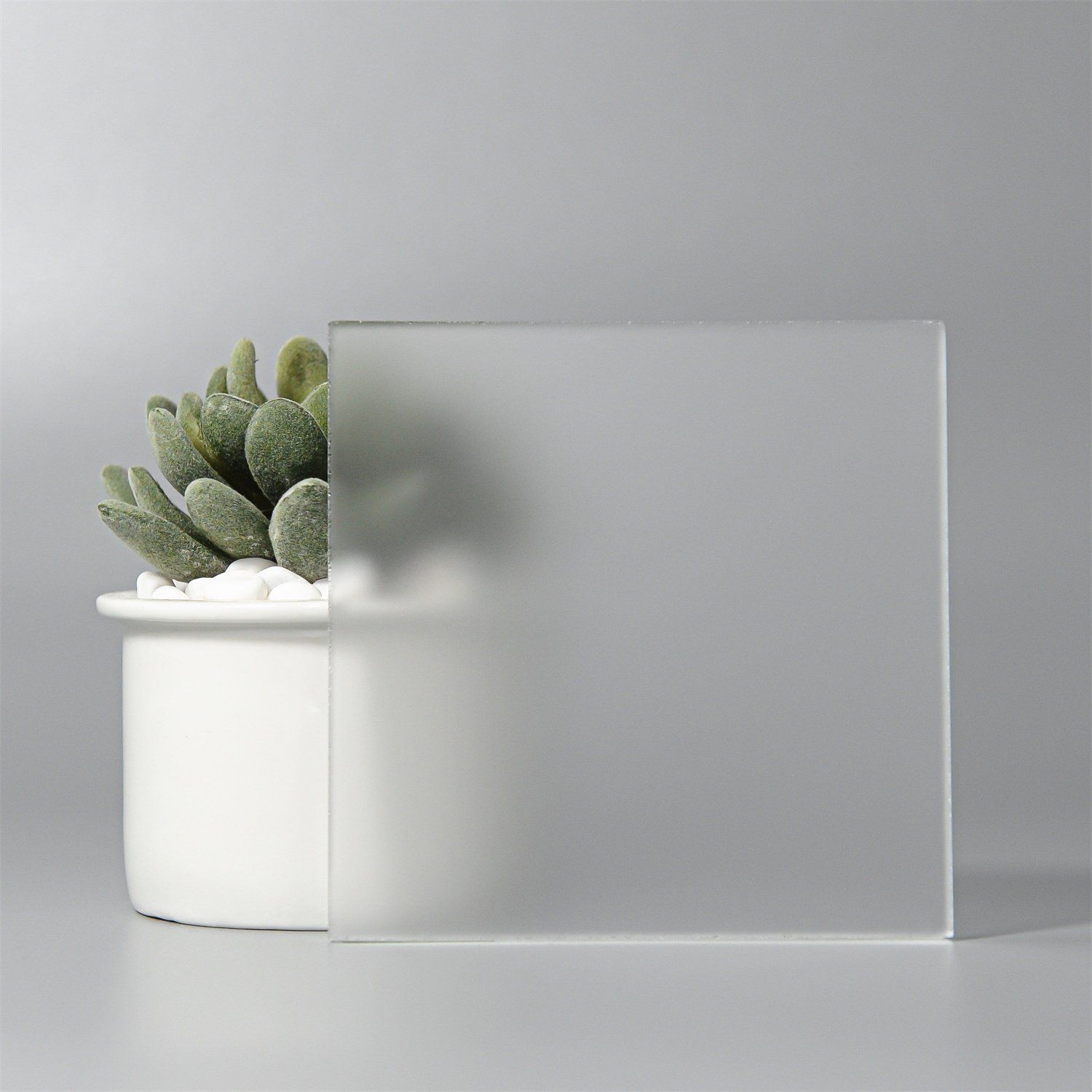
WIN10 ACRYLIC MENTIONED
…used before they frankensteined in the fluent around win11’s rollout 😔
deleted by creator
See also some of the transparency and active transparency in KDE 5 (and friends): https://discuss.kde.org/t/krusader-and-kvantum-transparency/17533
Oh man that looks bad. Hopefully that’s like something going wrong in the beta version because I can’t see them shipping something that looks like that
The UI elements are totally working as designed, but they’re 100% going to need to change the blur and opacity. This is embarrassing.
It’s not embarrassing, it’s a beta. This will 100% get better over the months. It always does.
This makes me nauseous
sorry buddy but it’s “me” not “mi”…
Protip: if you requested the 26 beta and are regretting that rash decision… Reboot, then hop back into update settings and change it back to off. Thankfully, it resets and now you can wait out the far more sensible 0.2 beta, where they’ve ironed out the crazy kinks.
I haven’t reverted, but for every other version of iOS I’ve ever used, reverting requires a full wipe and then a restore from an old backup that was made with the old OS.
Are you saying that you reverted from 26 and downloaded and installed iOS 18 from the cloud?
Edit: everything I’m seeing in the developer forums is telling me nothing has changed. Reverting is not as simple as changing that toggle. Once you change that toggle, you will be locked into db1 until a new public release drops… unless you wipe and install the 18.5 ipsw
Once you toggle and request an update to 26, it takes a while for it to download and do the actual install. During that period, you can stop the install with no damage using what I described. I did that on an iPhone.
I went ahead and did the update to 26 on an iPad and about half my daily driver apps are borked, especially when it comes to resizable windows under multitasking.
Once installed, the only way back is to to hard reset and restore from iCloud backups. Big pain. Here’s a guide on how to revert: https://www.redmondpie.com/how-to-downgrade-ios-26-beta-1-to-ios-18.5-guide/amp/
Gotcha. Yeah, if you stop the request while you’re downloading or preparing the install package, you can cancel and stick with current OS.
But once you hit install and your screen goes to the white Apple logo, you’re kind of in it. If you want to revert, you need to wipe and restore from an iOS 18 install package on your computer.